Merchant meeting guide · Customer app · 31 screens
How customers use Let's Get Food — every flow
Plan less, Feast more.
Full product tour of the customer (host) app: from guest browse and planning through instant book or Message kitchen, deposit checkout, orders, inbox, wallet, and corporate. Built so caterers in meetings never wonder “what does the host actually see?”
Two booking paths
Instant — Book now / Continue → Stripe deposit → Booking.
Custom — Message kitchen → your Pipeline inquiry → quote → host accepts → deposit.
Confidence badges on every listing tell hosts which path they’ll get.
Auth
Login — passwordless
Email or phone → Send code. Google sign-in secondary. Browse-before-login means many hosts arrive from Discover as guests first.
- OTP-first — no password walls for event planners.
- Role routes customers into the Discover shell.
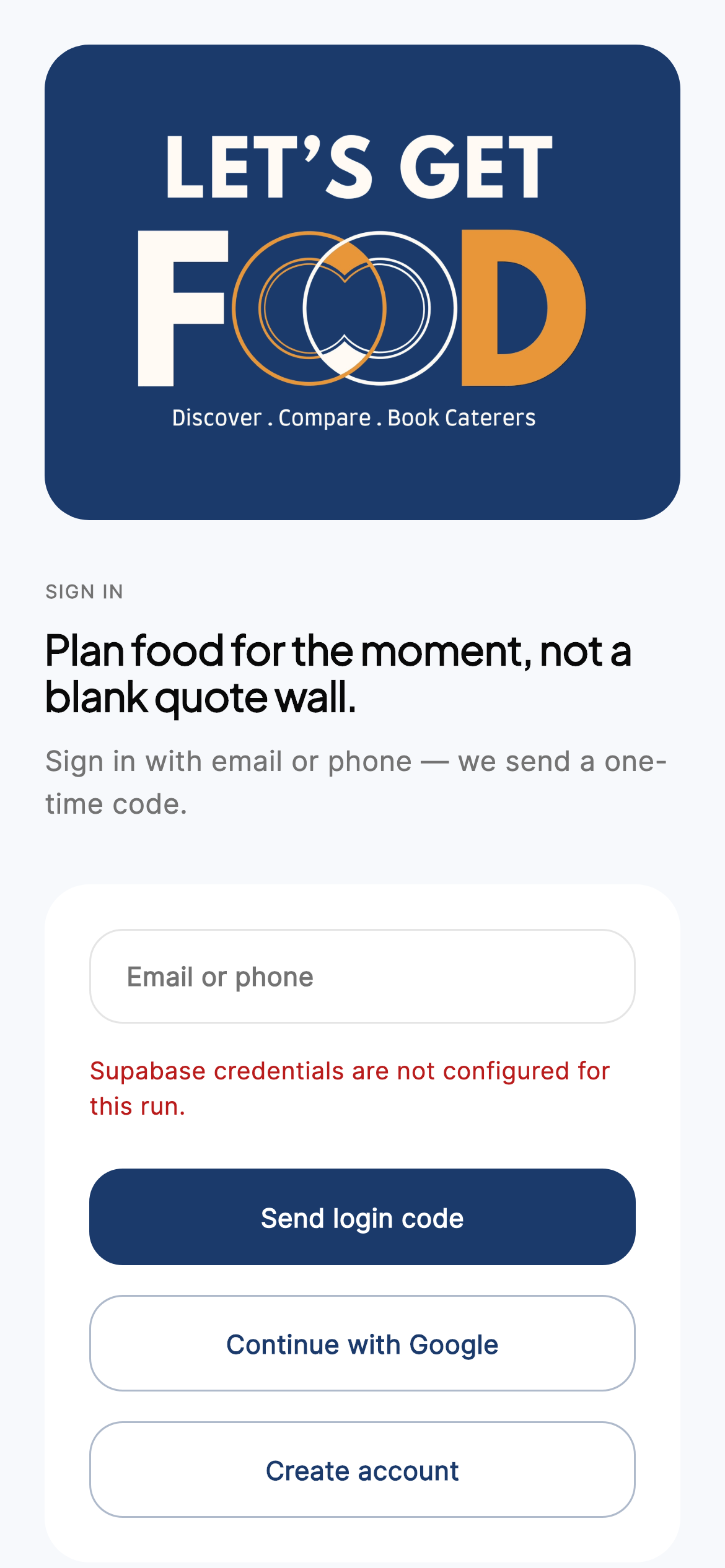
iPhone · Login
Signup — create host account
Name, email, phone, city, optional company. Terms + Privacy clickwrap; marketing opt-in unchecked (CASL).
- Optional company field seeds corporate billing later.
- Creates customer role and profile.
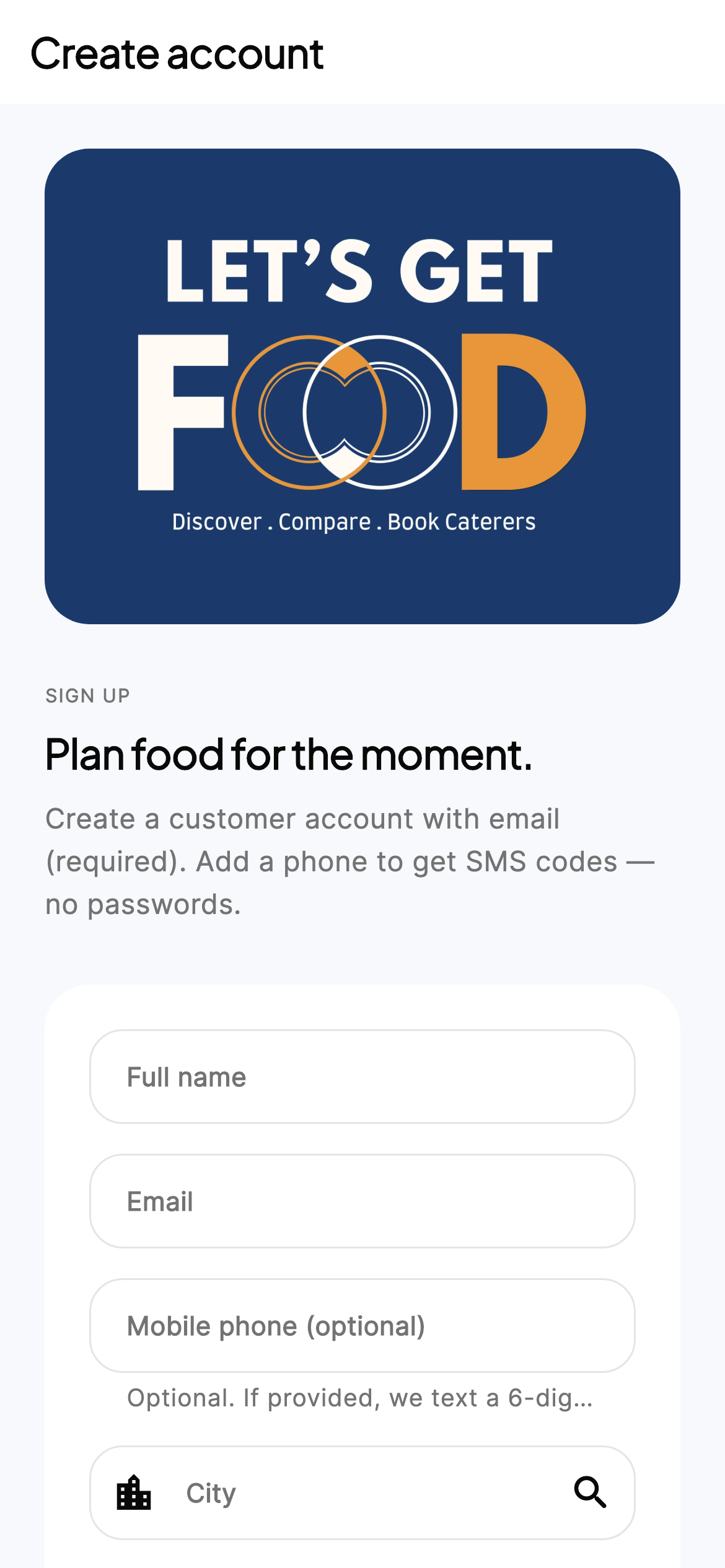
iPhone · Signup
OTP verification
Six-digit code finishes sign-in for email or phone.
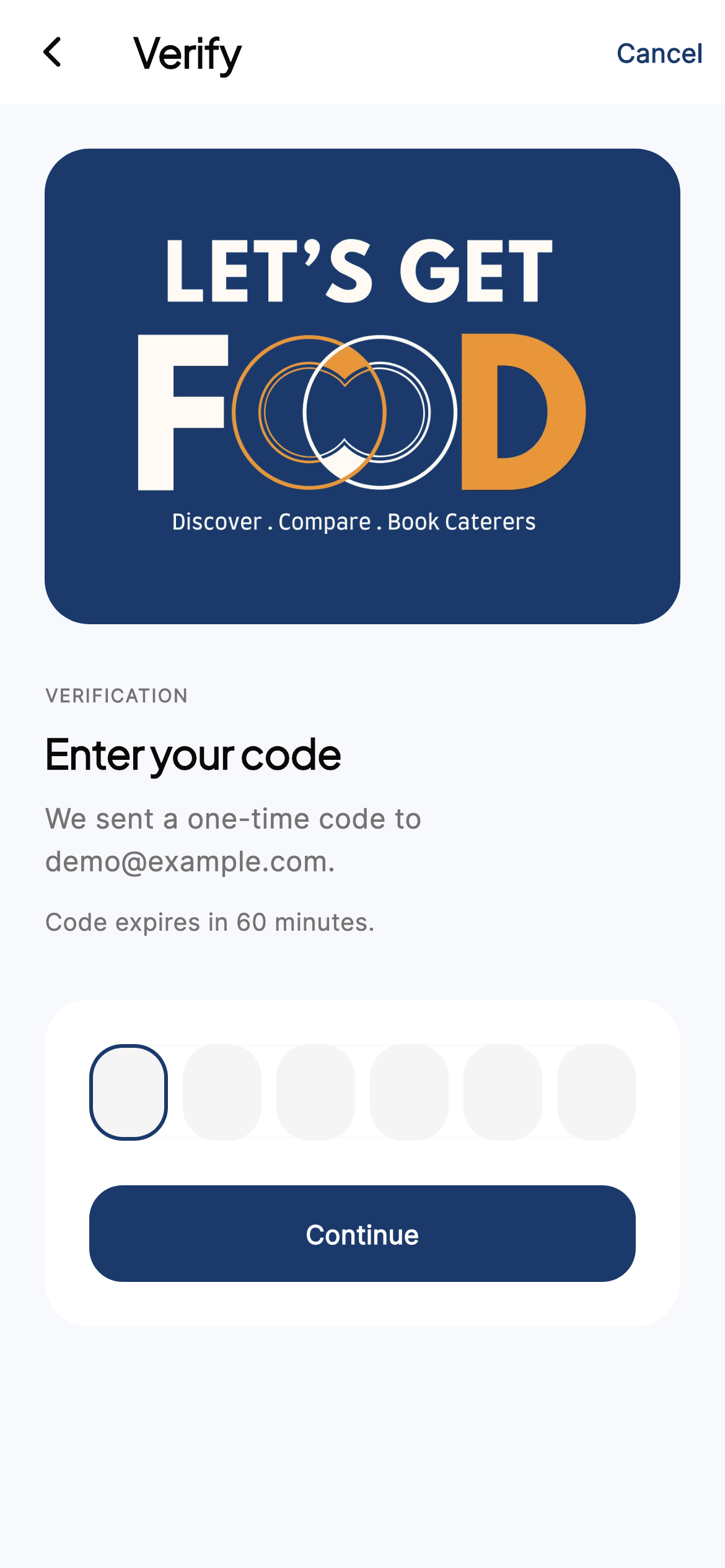
iPhone · OTP
Discover & plan
Guest Discover — browse without an account
Hosts can explore kitchens before signing up. Prompt-first planning and featured cards build trust early.
- City chip (e.g. Toronto).
- Featured kitchens with from-price and Verified.
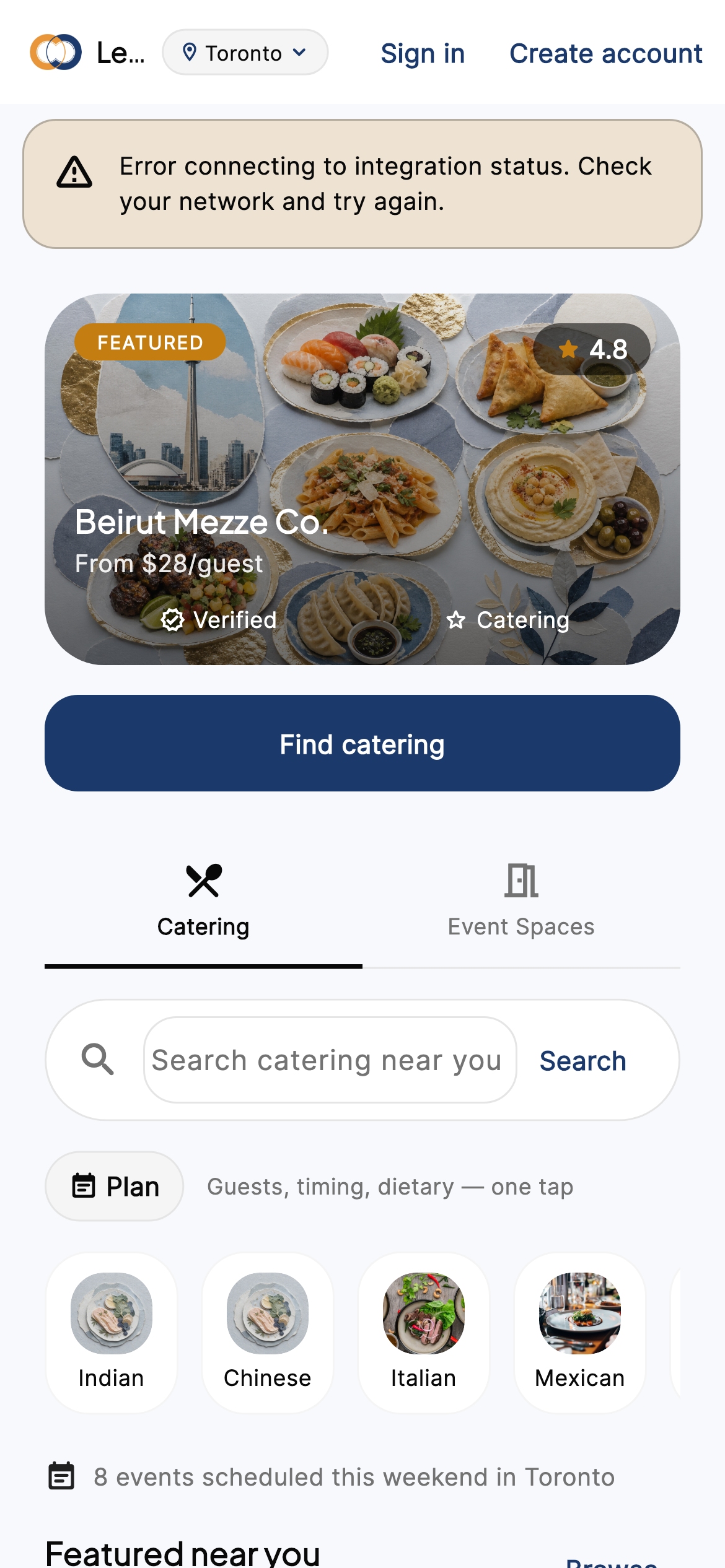
iPhone · Guest home
Signed-in Discover home
Find catering, Plan sheet (guests / timing / dietary), cuisine chips, featured near you. Modes: Catering vs Event Spaces.
- Plan details feed Results.
- Saved / recent picks for returning hosts.
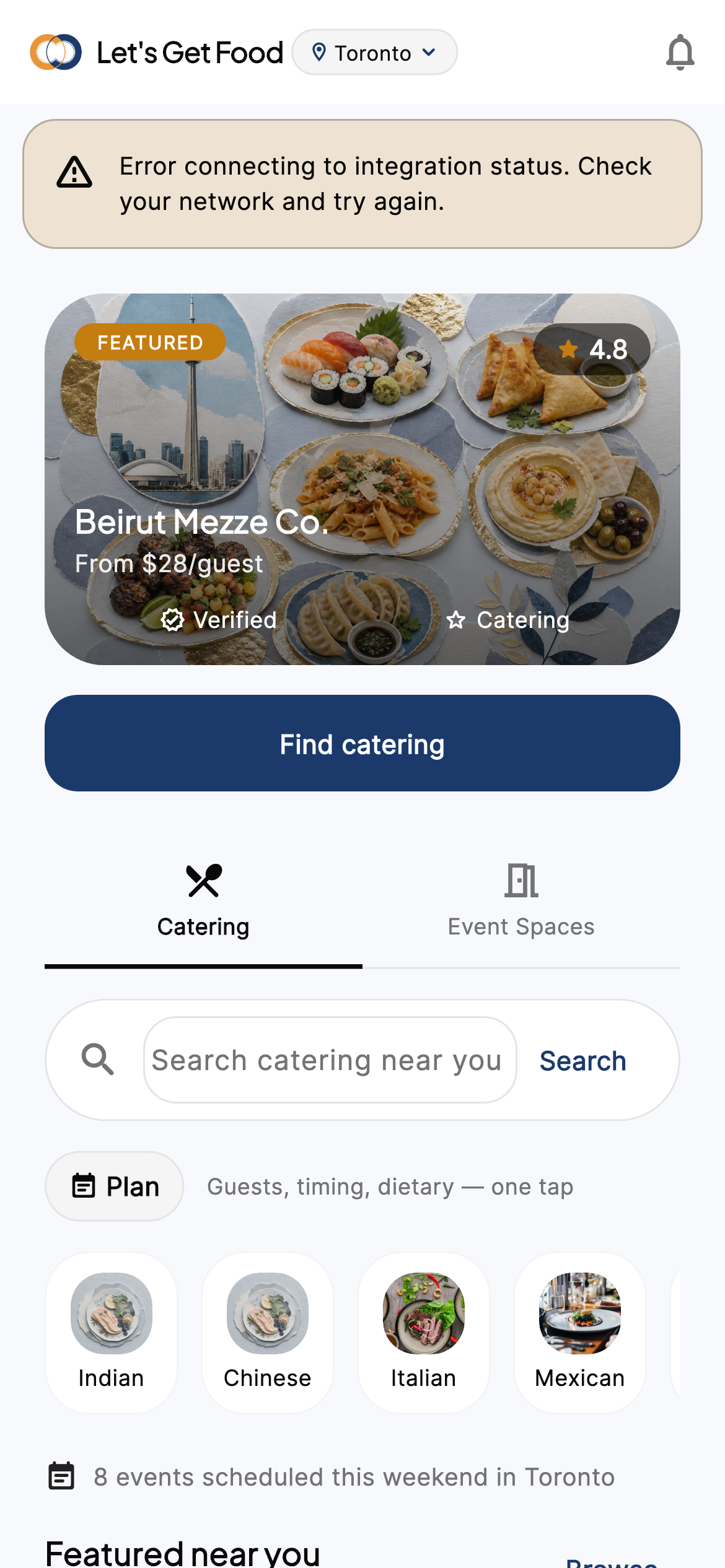
iPhone · Discover home
Explore — filter-driven browse
Browse vendors and packages without a full intent. List/map, filters, open detail or preview.
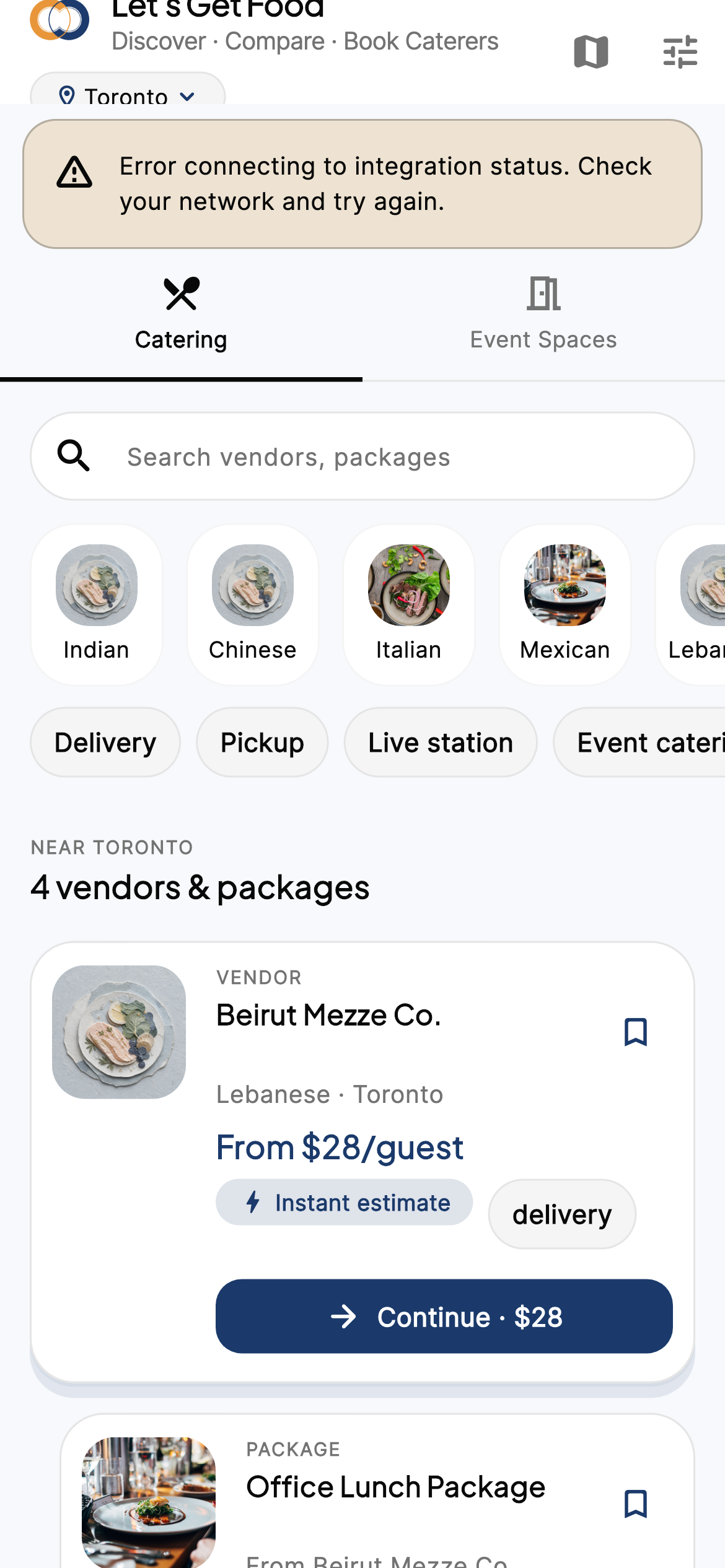
iPhone · Explore
Plan your event — structured details
Date, guests, city, cuisine, budget, dietary — recovery form when the free-text prompt needs structure.
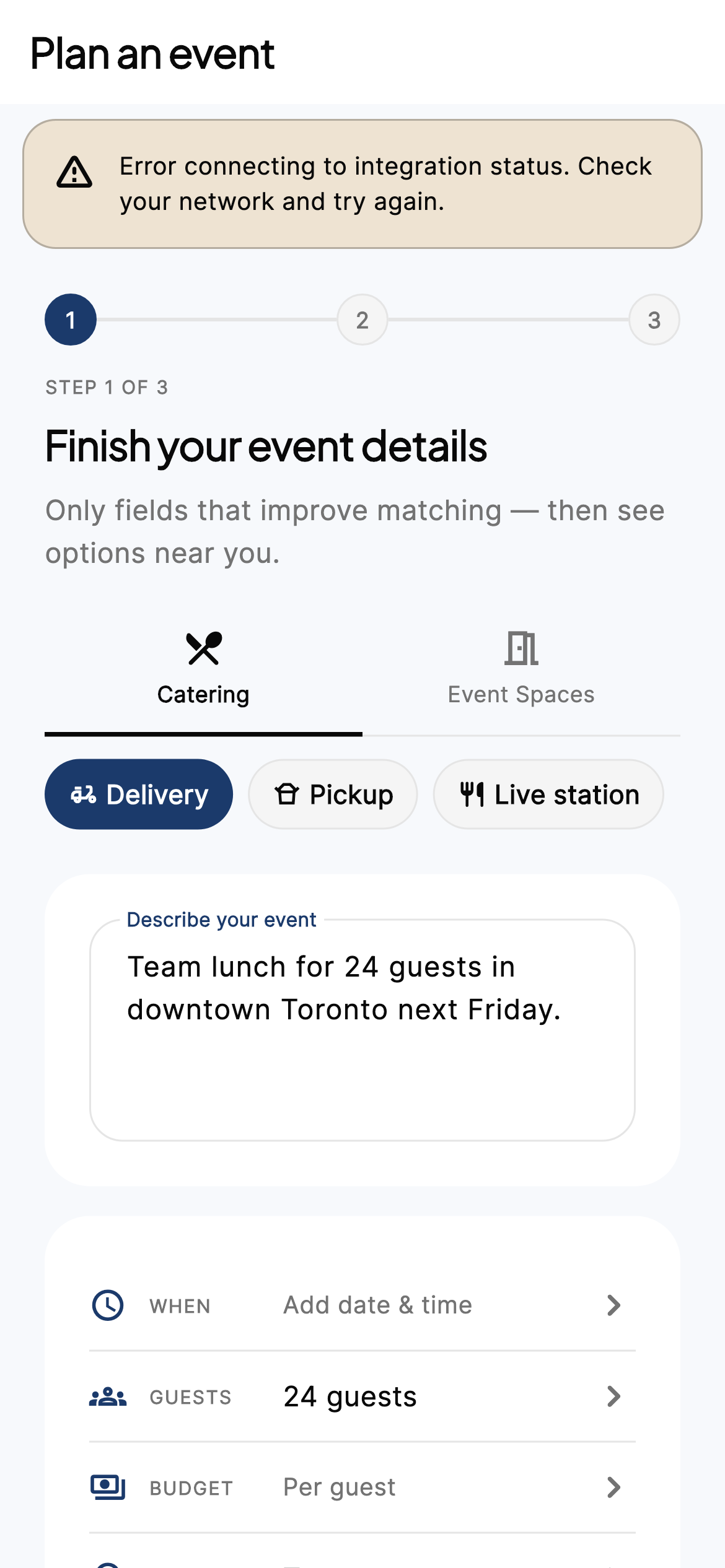
iPhone · Plan input
Intent review — “Does this look right?”
Hosts confirm the parsed brief before Results so matches stay accurate.
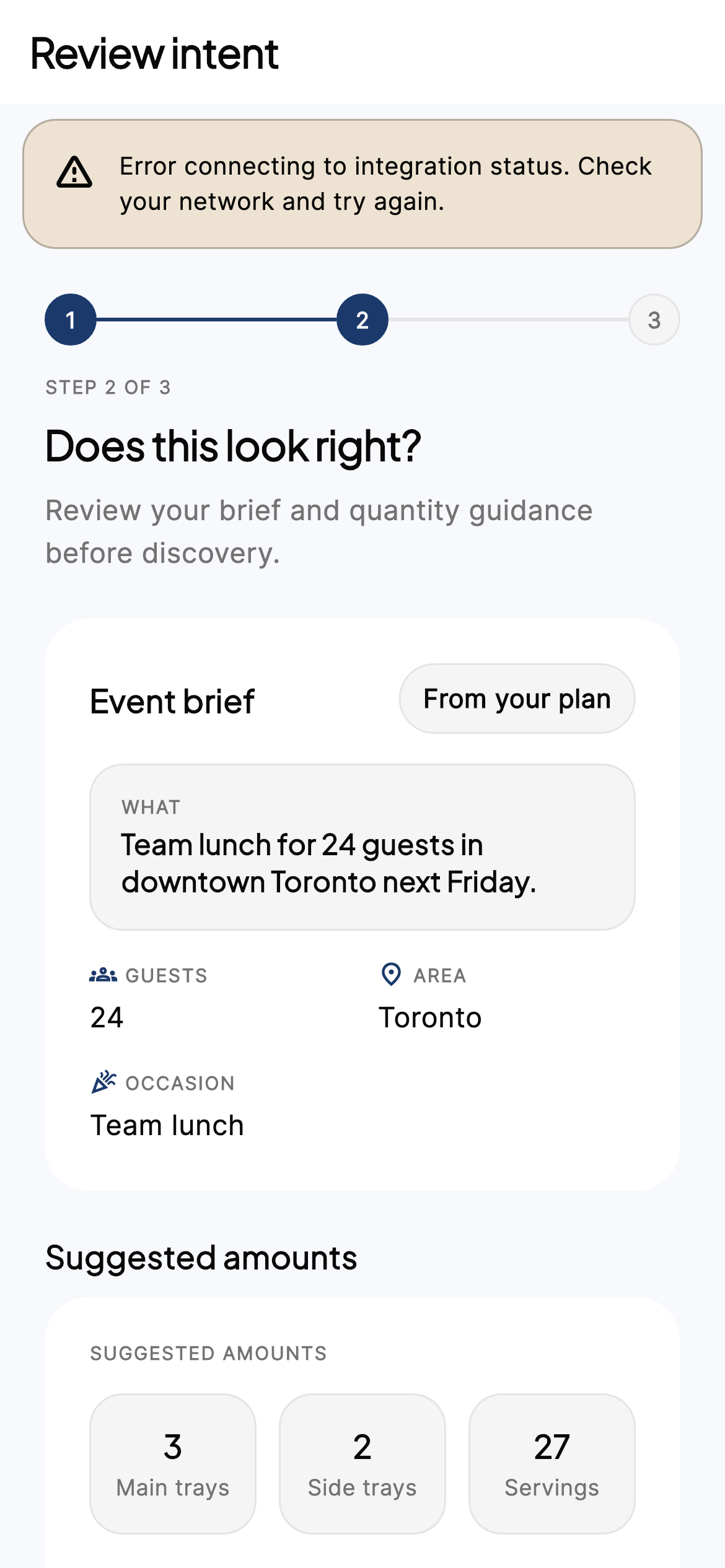
iPhone · Plan review
Results — ranked kitchens & confidence CTAs
Each card shows price context and a primary action matching bookability.
- Book now — instant bookable.
- Continue · $X — instant estimate.
- Message kitchen — custom quote.
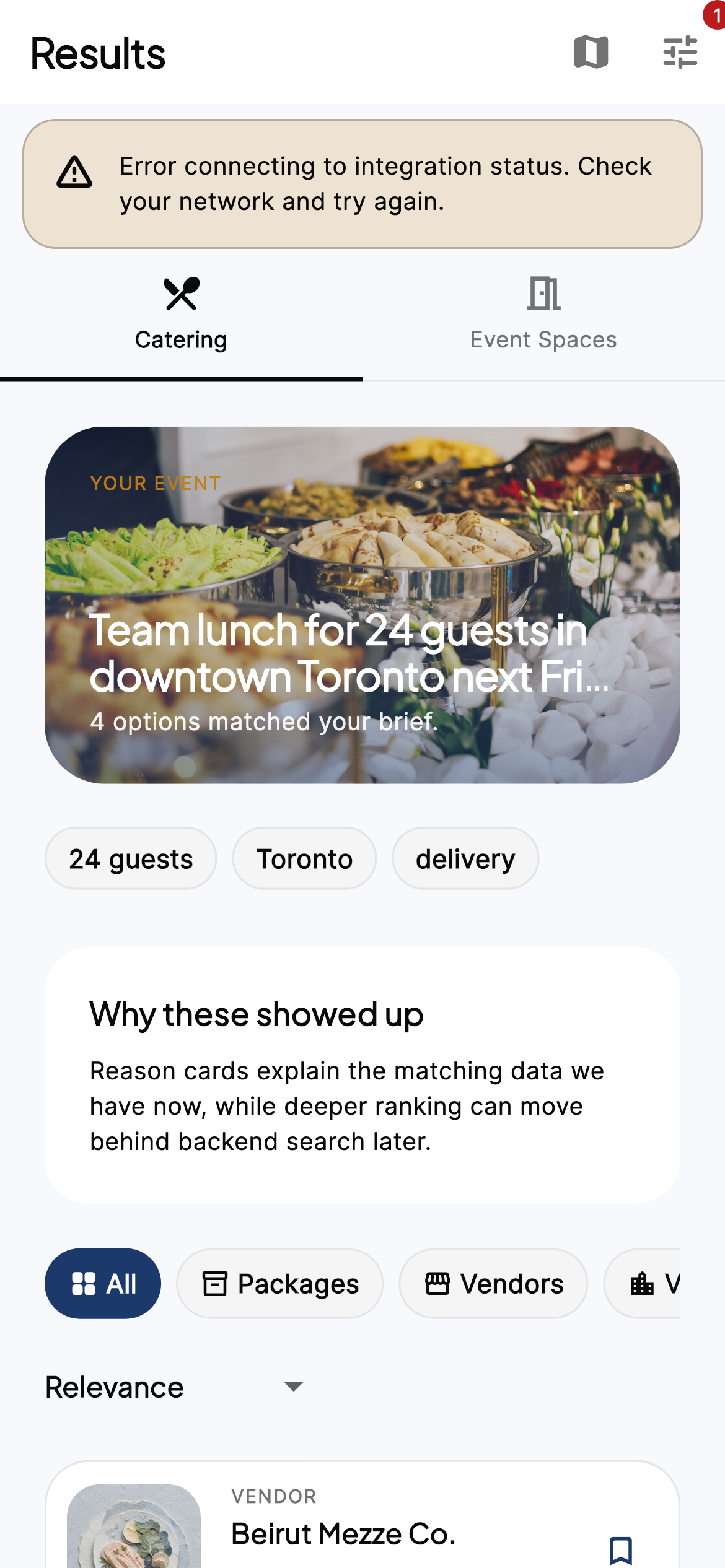
iPhone · Results
Results — Event Spaces mode
Same results surface for venues / event spaces when hosts plan spaces instead of catering-only.
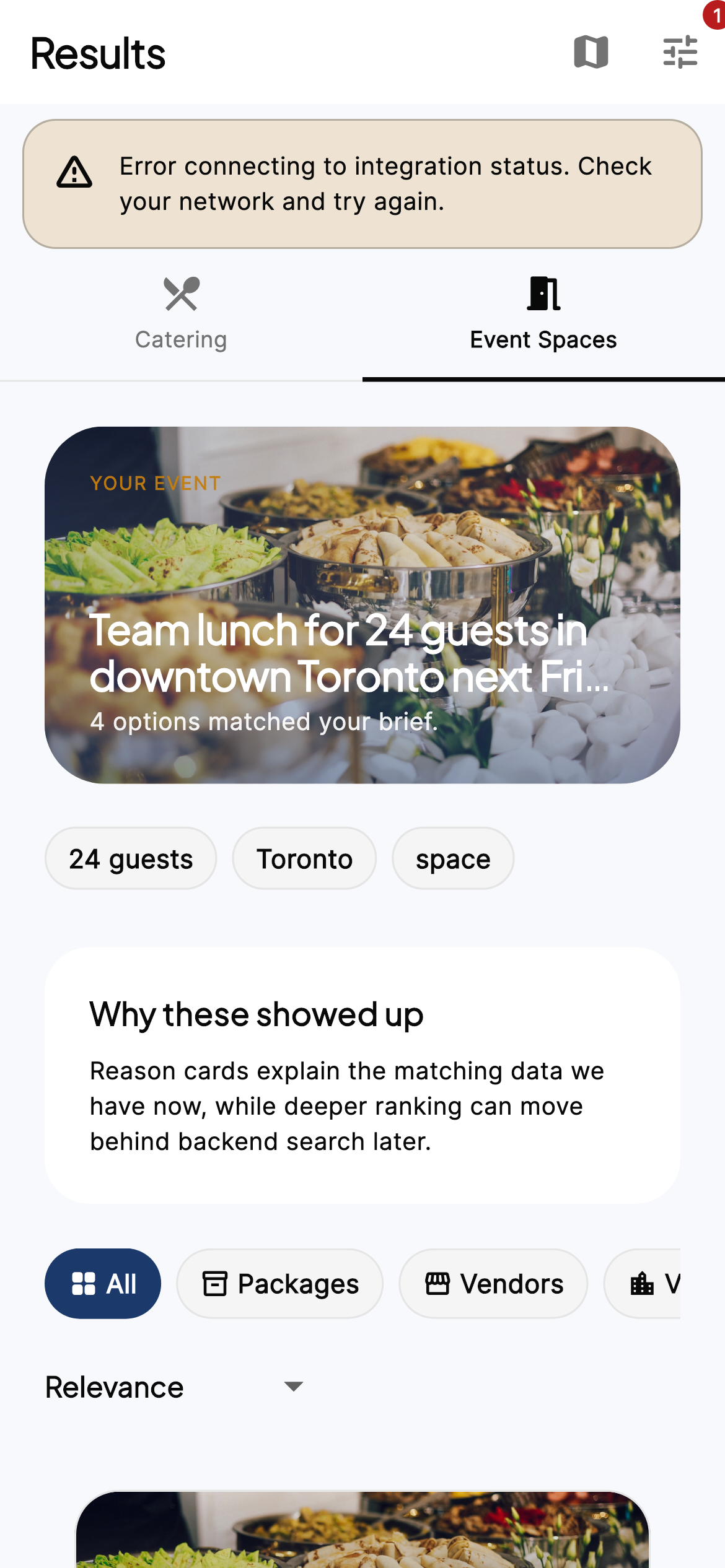
iPhone · Event spaces results
Detail → configure
Venue detail
Capacity, amenities, day-rate. Save + Request hold → quote draft for space-led events.
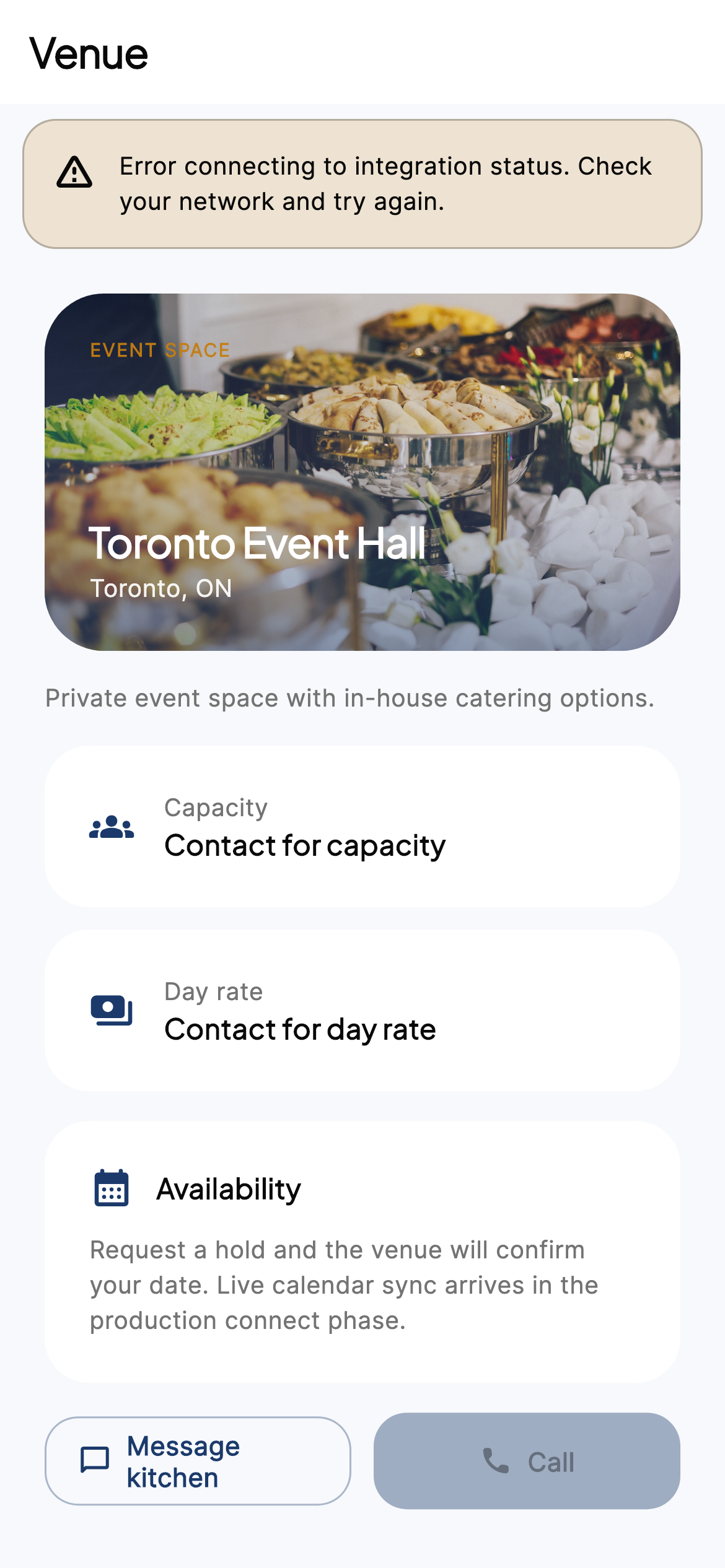
iPhone · Venue detail
Vendor / kitchen profile
Hero, trust badges, packages, menu highlights, service modes. Sticky CTA mirrors confidence.
- Message kitchen or call.
- Save bookmark.
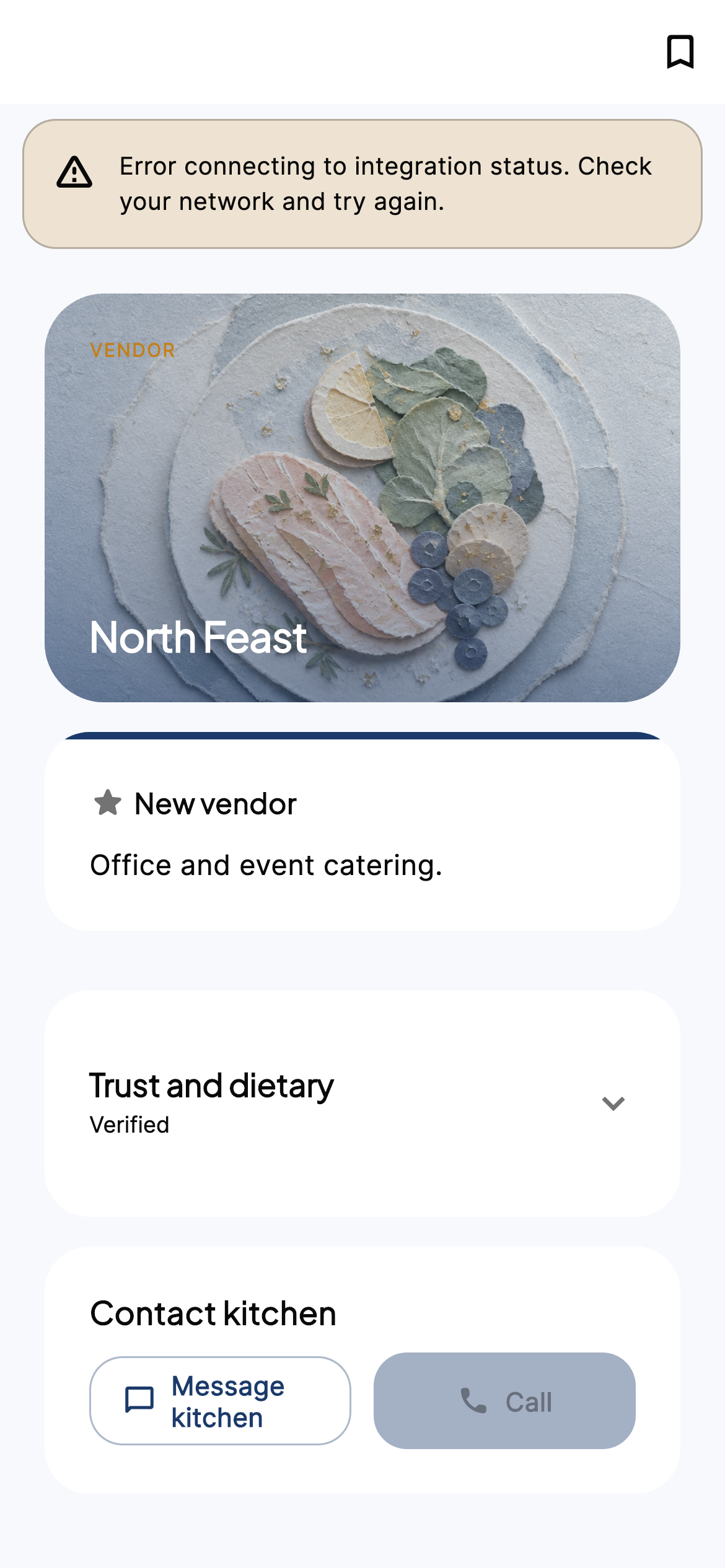
iPhone · Vendor profile
Package detail
What’s included, per-guest price, courses, add-ons before customizing.
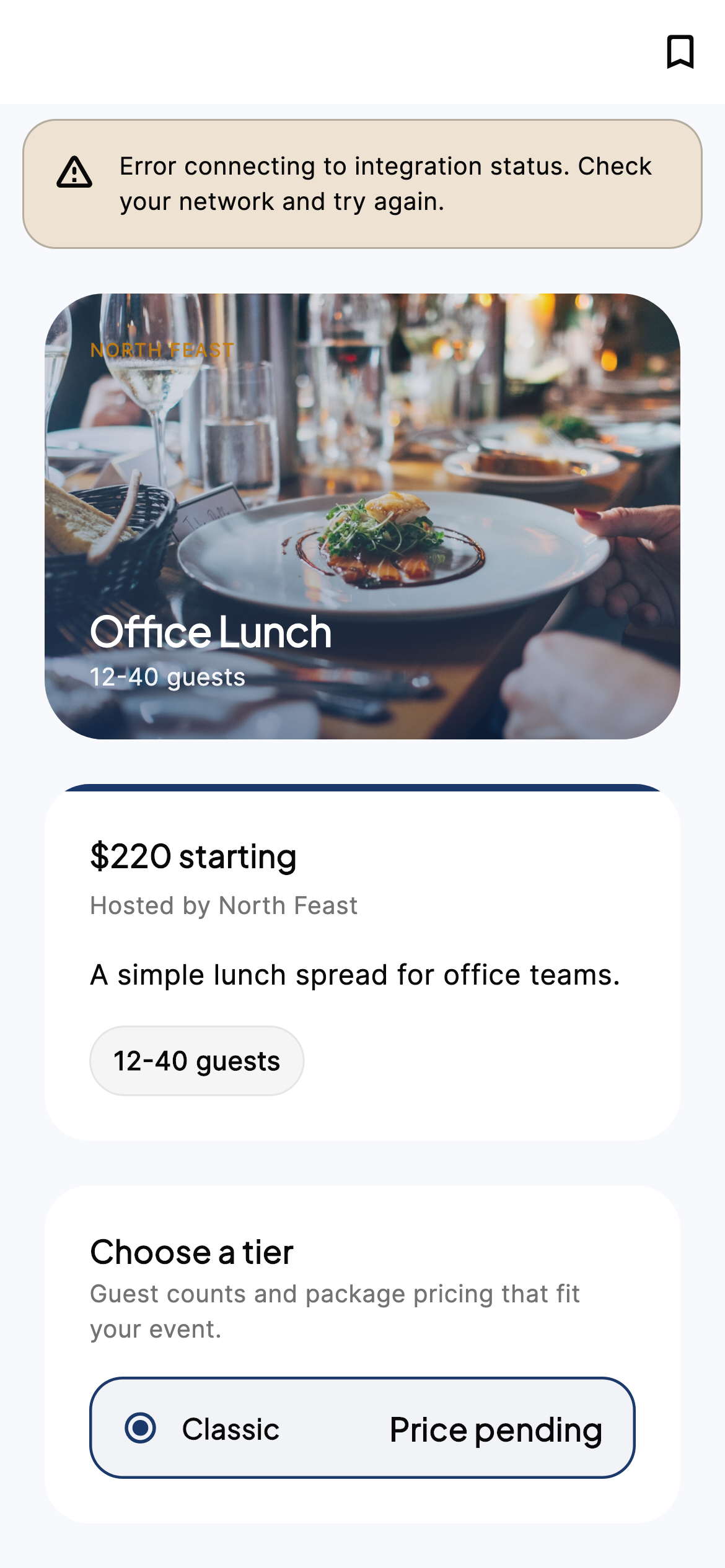
iPhone · Package detail
Package builder
Guests, option groups, add-ons, dietary, fulfillment (pickup / delivery / live). Sticky bar: Book now · deposit, Continue, or Message kitchen.
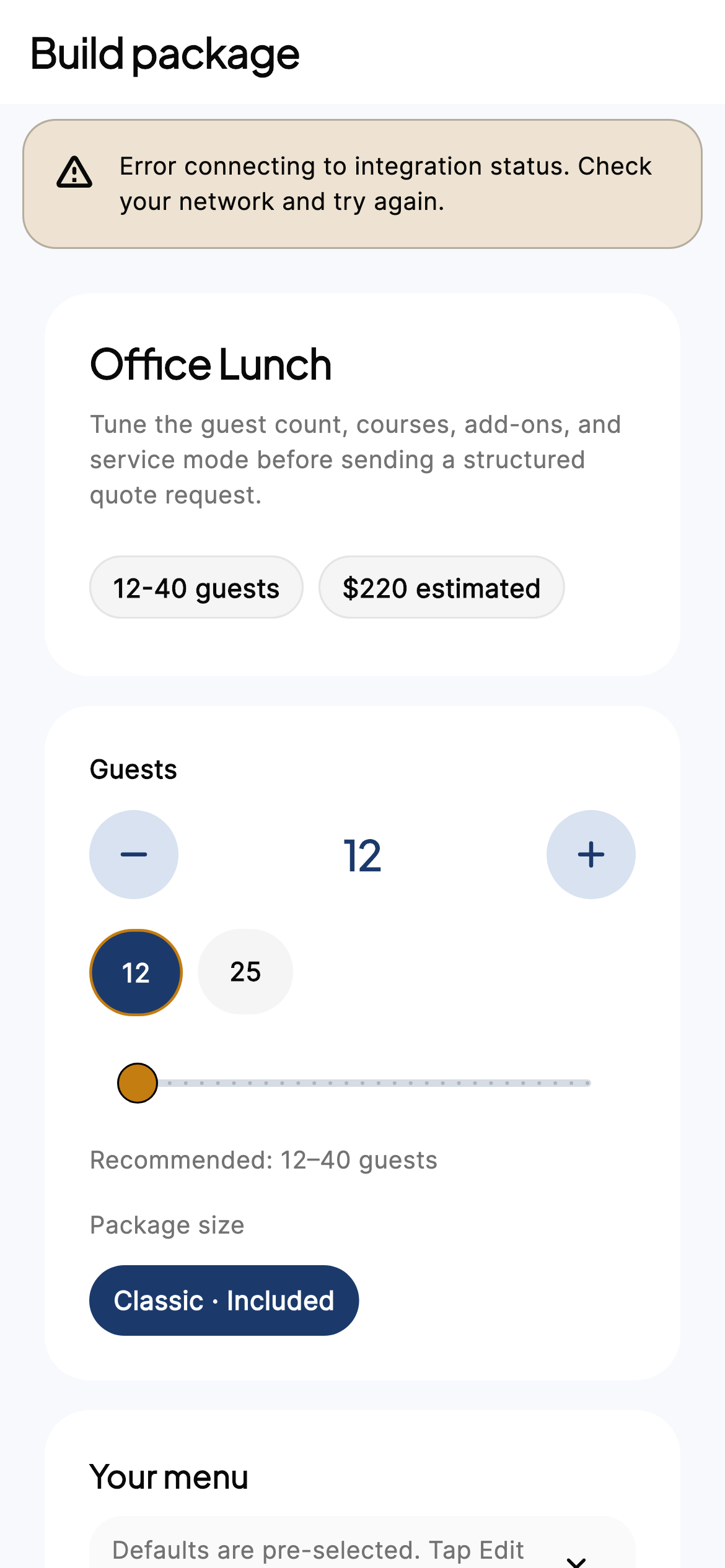
iPhone · Package builder
Compare kitchens
Side-by-side comparison of up to four kitchens/packages for the planning intent.
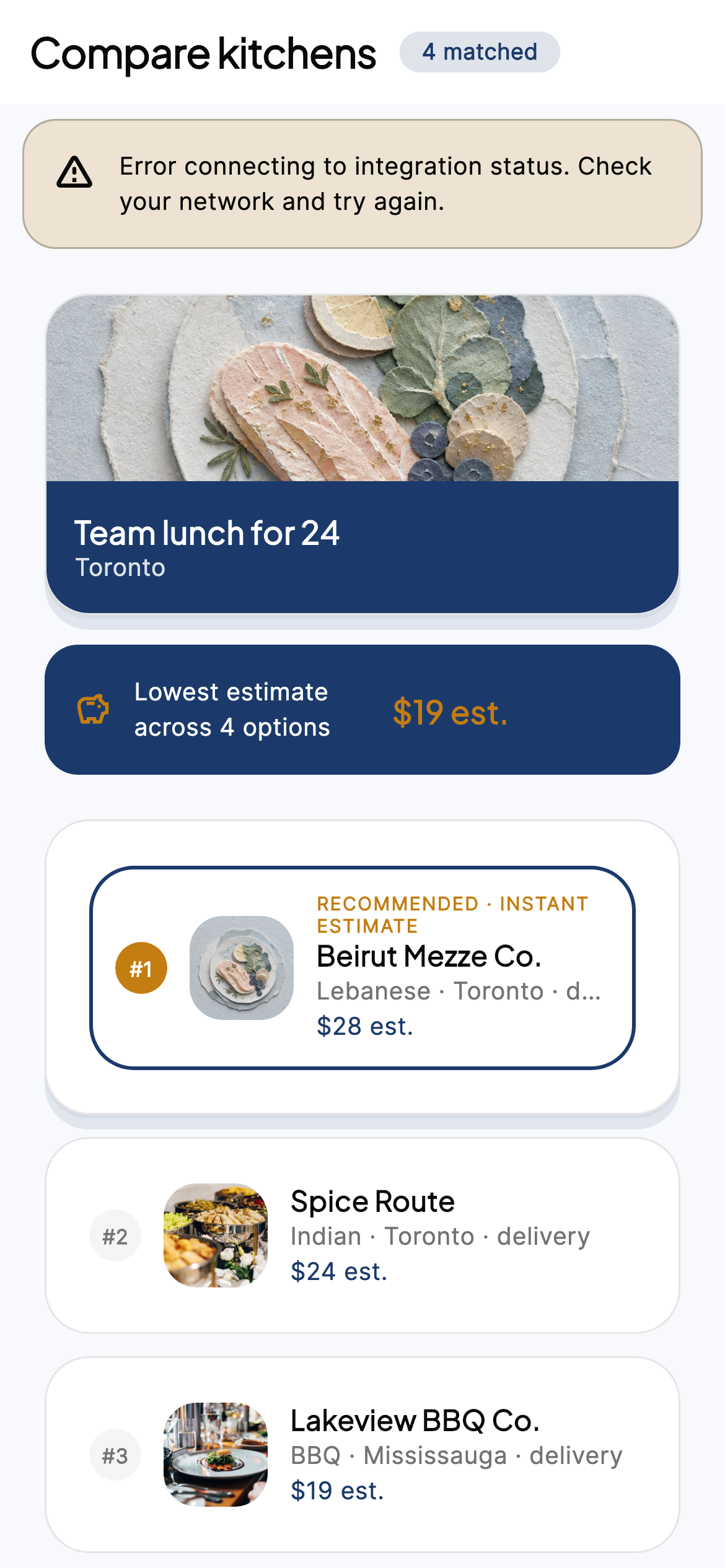
iPhone · Compare
How it works (in-app)
Three steps, fee transparency, flexible cancellation, corporate CTA.
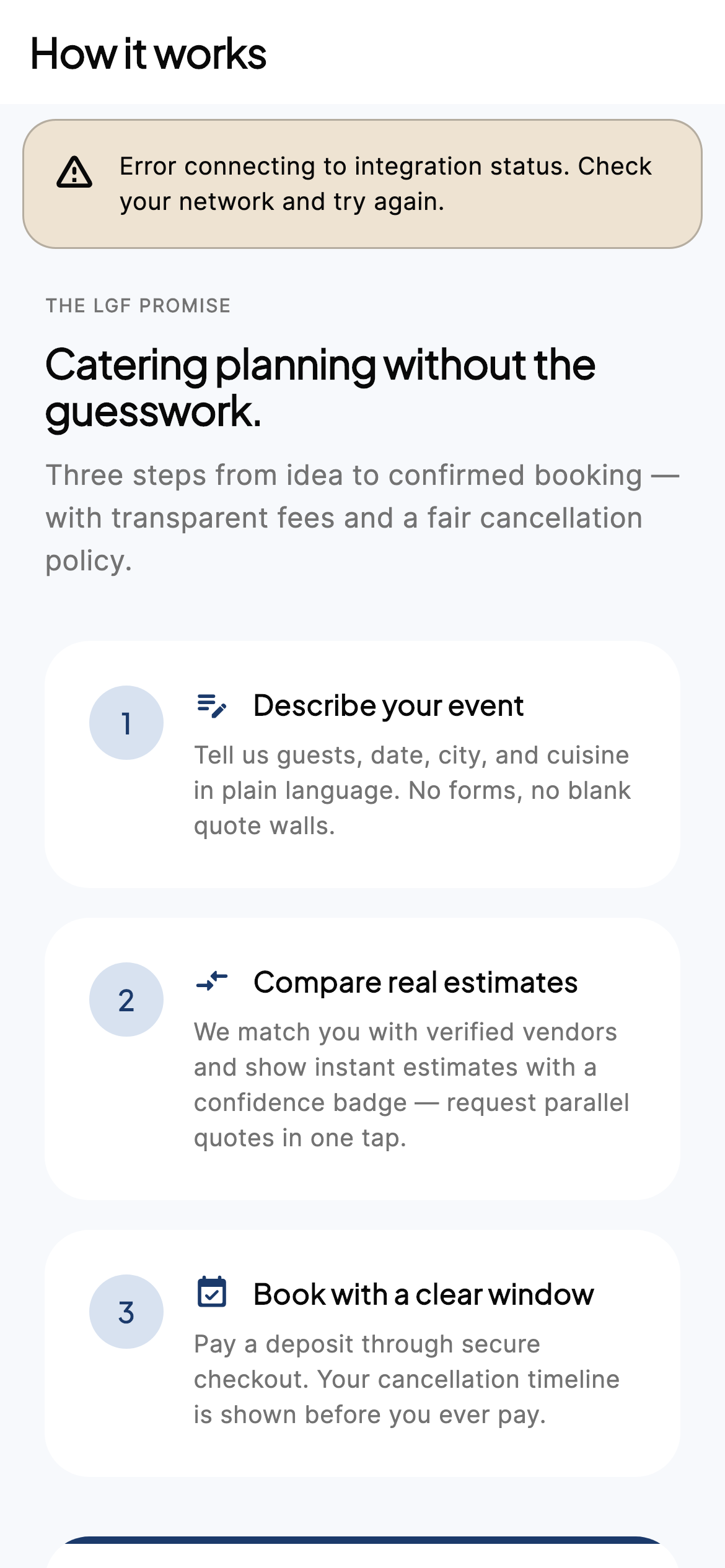
iPhone · How it works
Custom quotes
Message kitchen — structured brief
When not instant-bookable: line items, fulfillment, notes — no blank email threads.
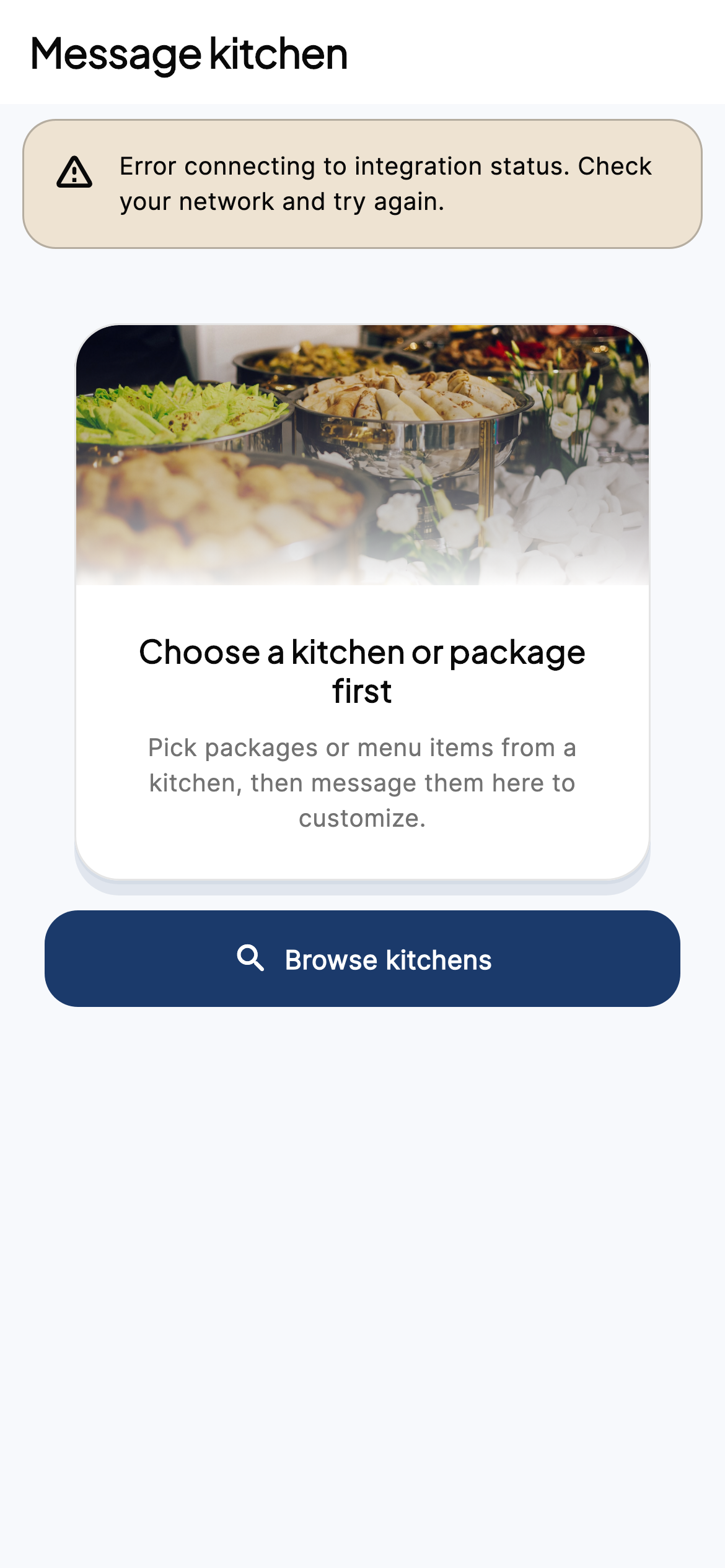
iPhone · Message kitchen
Your quotes list
All open quote requests in one place.
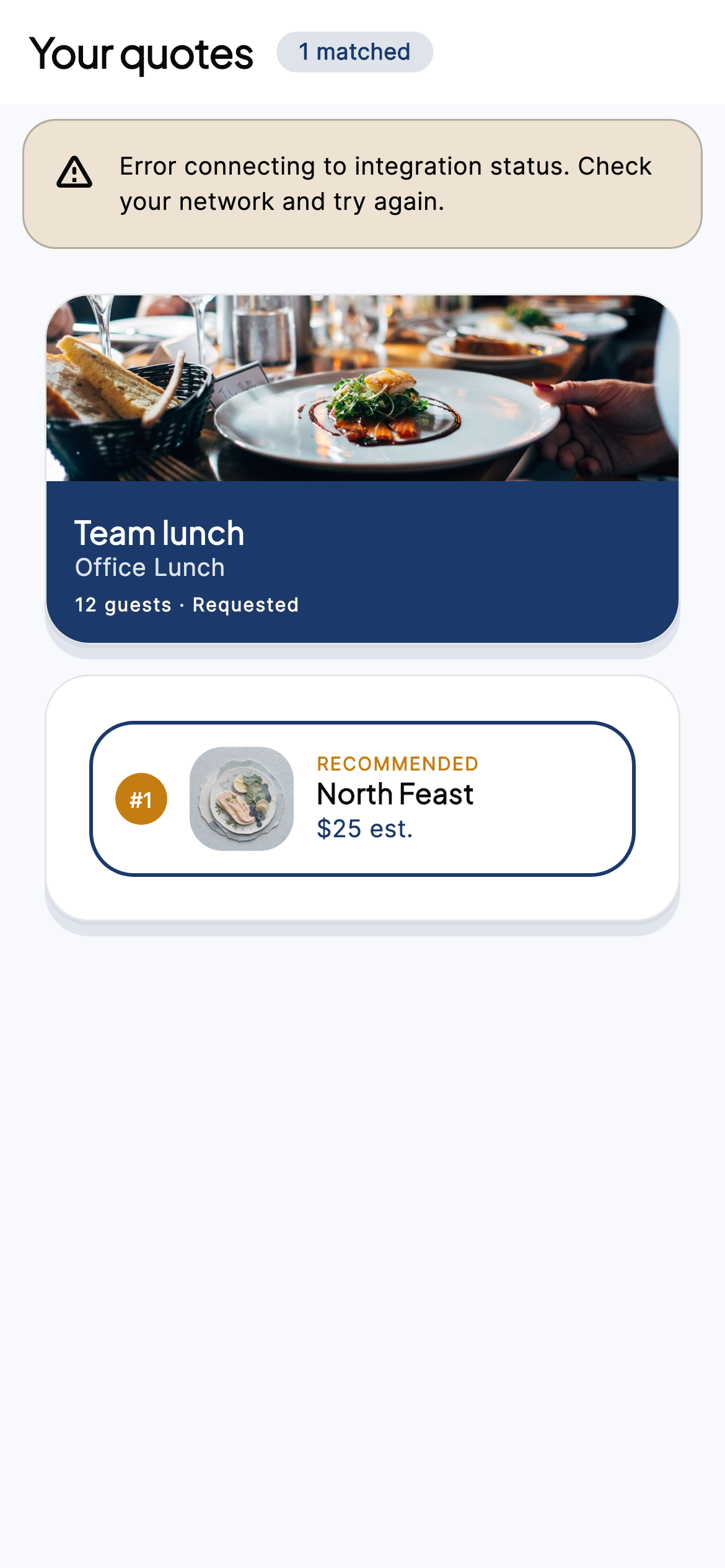
iPhone · Quotes list
Quote detail
Vendor status, estimate, why-this-price, timeline, policy, pay-deposit next step.
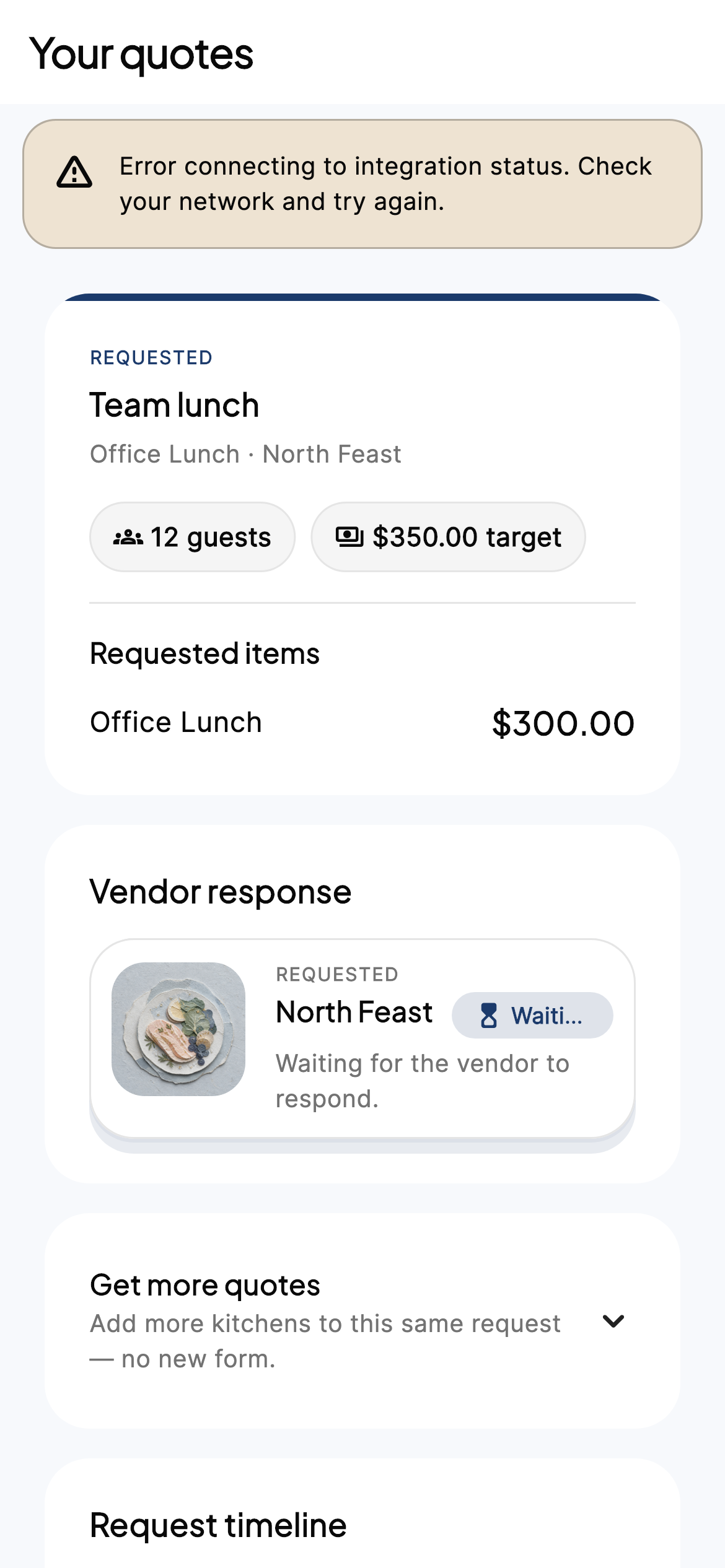
iPhone · Quote detail
Get more quotes
Add parallel vendors to an existing request in one tap.
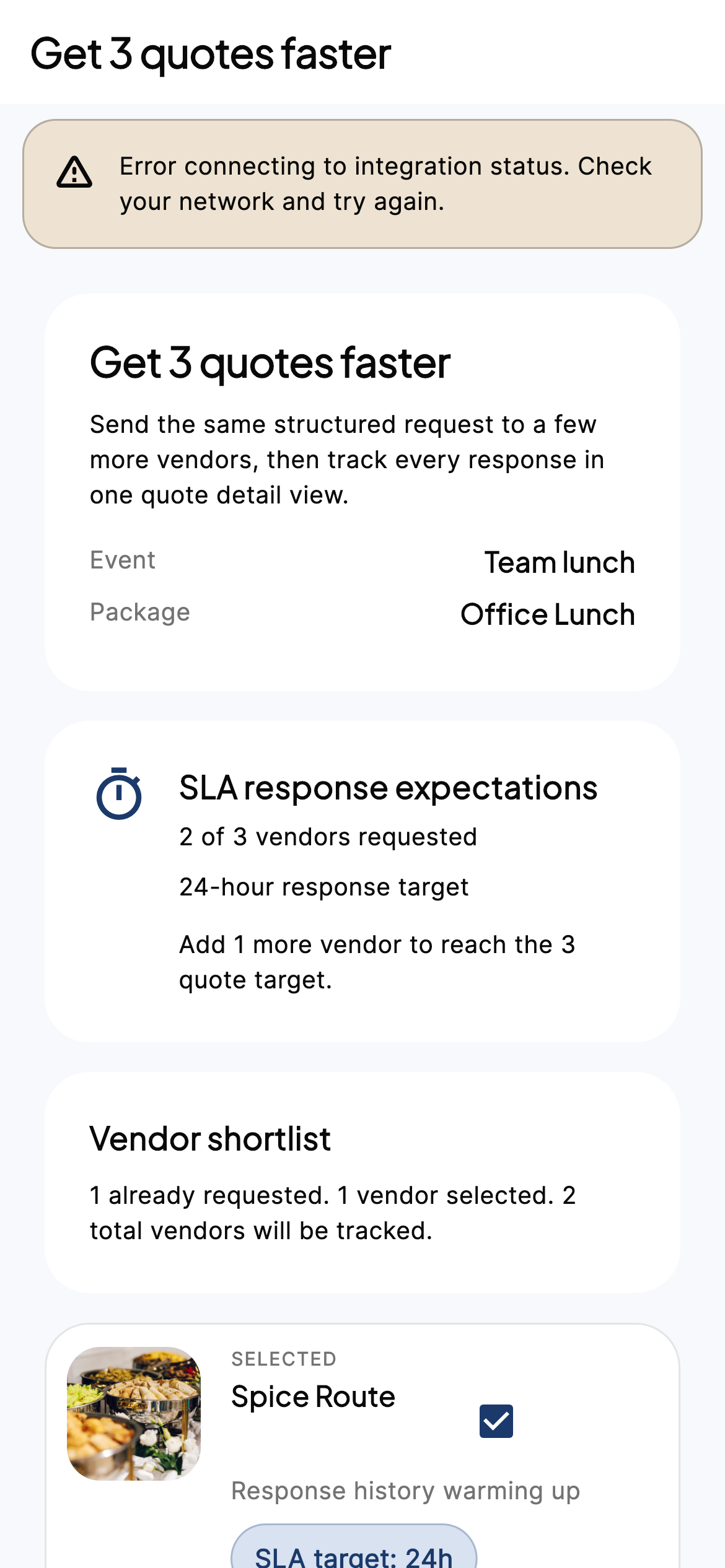
iPhone · Get 3 quotes
Checkout & orders
Checkout — pay deposit (Stripe)
Confirm booking, payment schedule (~25% deposit), fees & tax, coupon, cancellation timeline, terms checkbox.
- Card fields are Stripe-hosted — LGF never stores full PAN.
- Trust chips: cancel window, Stripe, Verified.
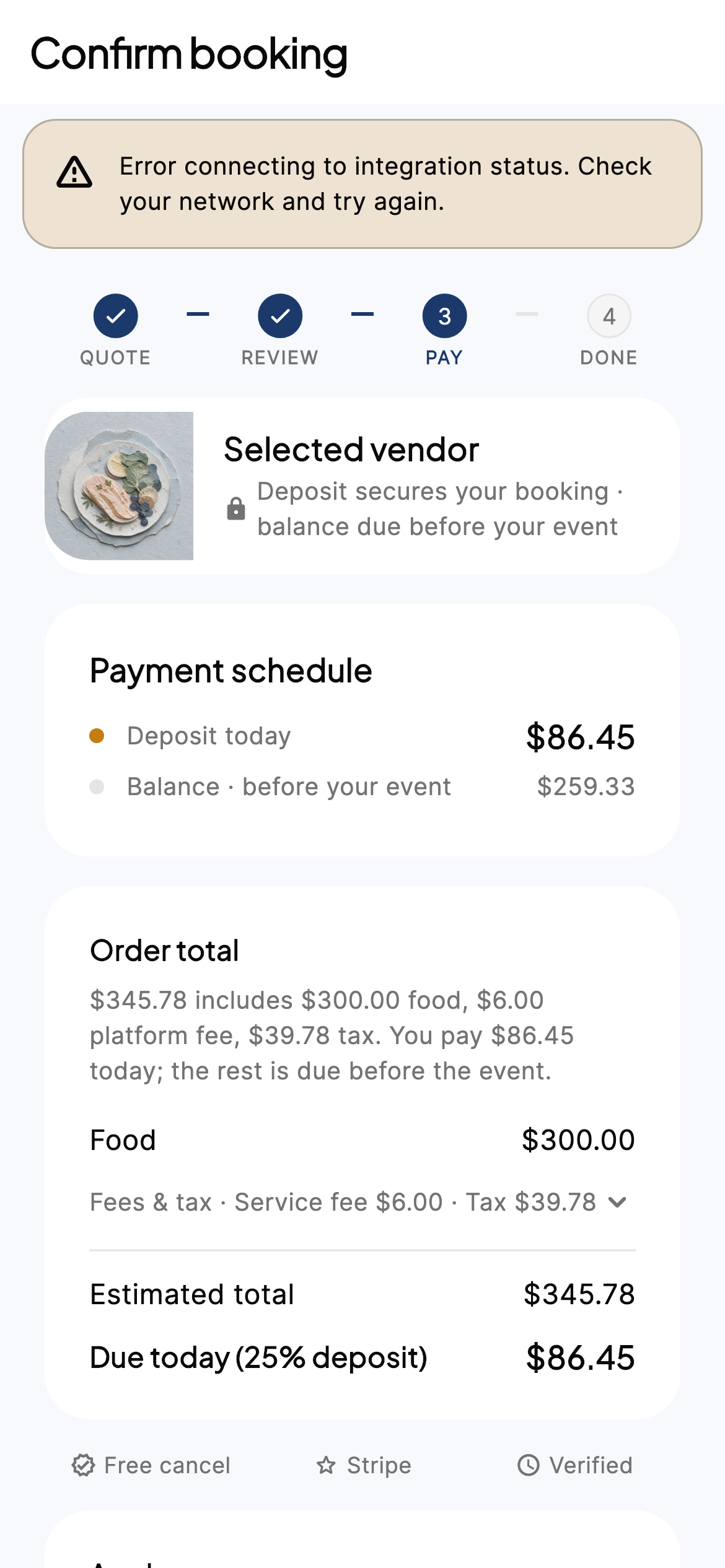
iPhone · Checkout
Checkout return
Confirming payment after Stripe — then booking detail or back to checkout.

iPhone · Checkout return
Orders pipeline
Inquiry · Quote · Booking filters — mirrors merchant statuses.
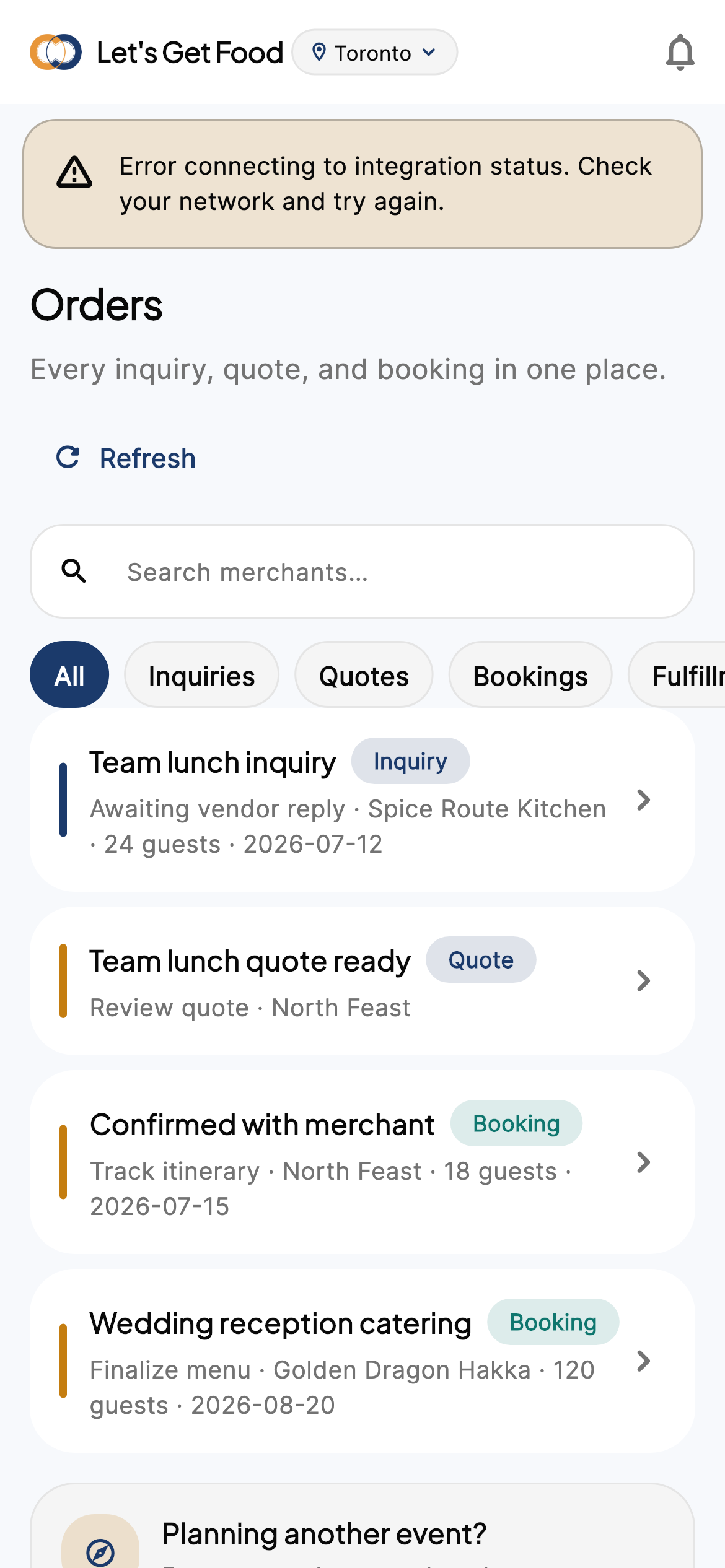
iPhone · Orders pipeline
Booking detail
Itinerary, payments, next actions after deposit.
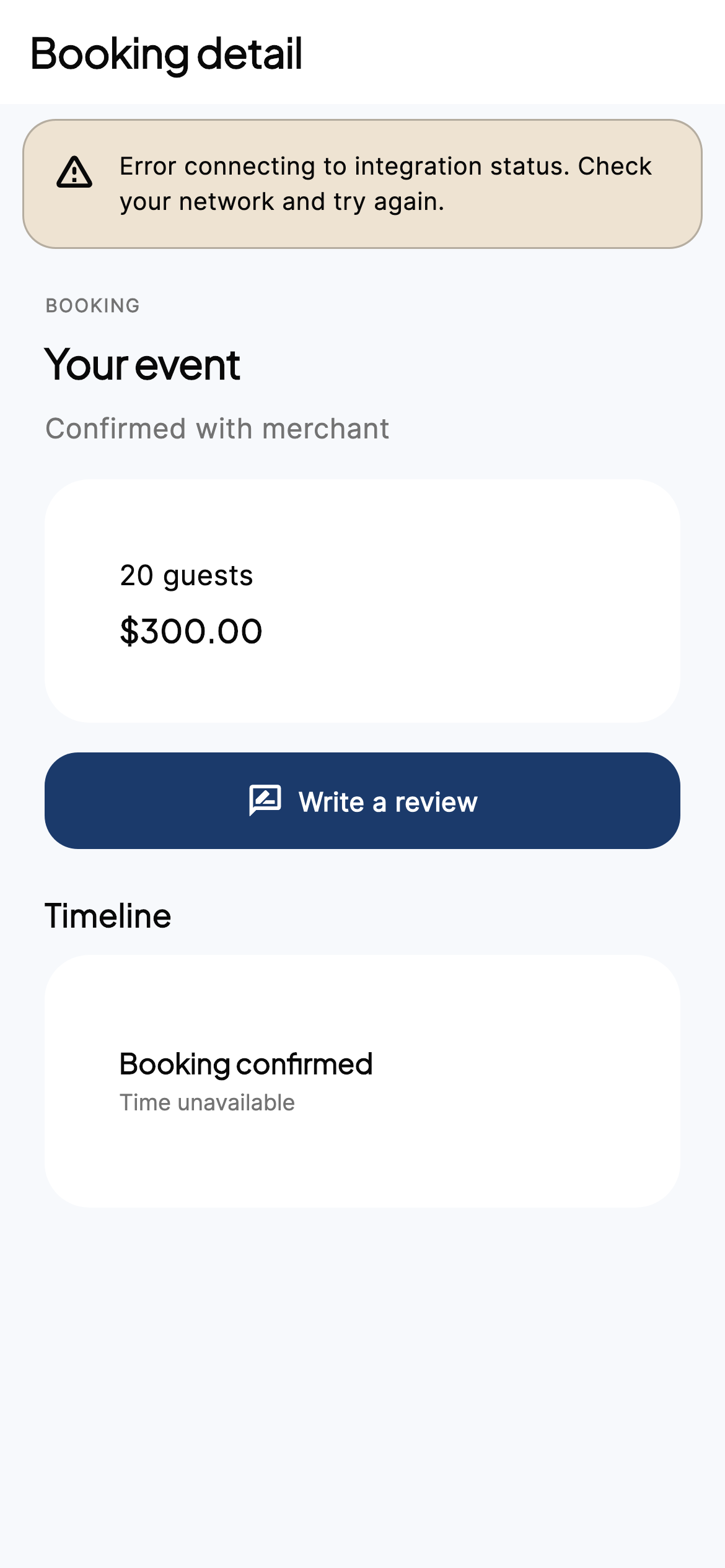
iPhone · Booking detail
Inbox, wallet & account
Inbox
Messages with kitchens, notifications, support tickets — one place.
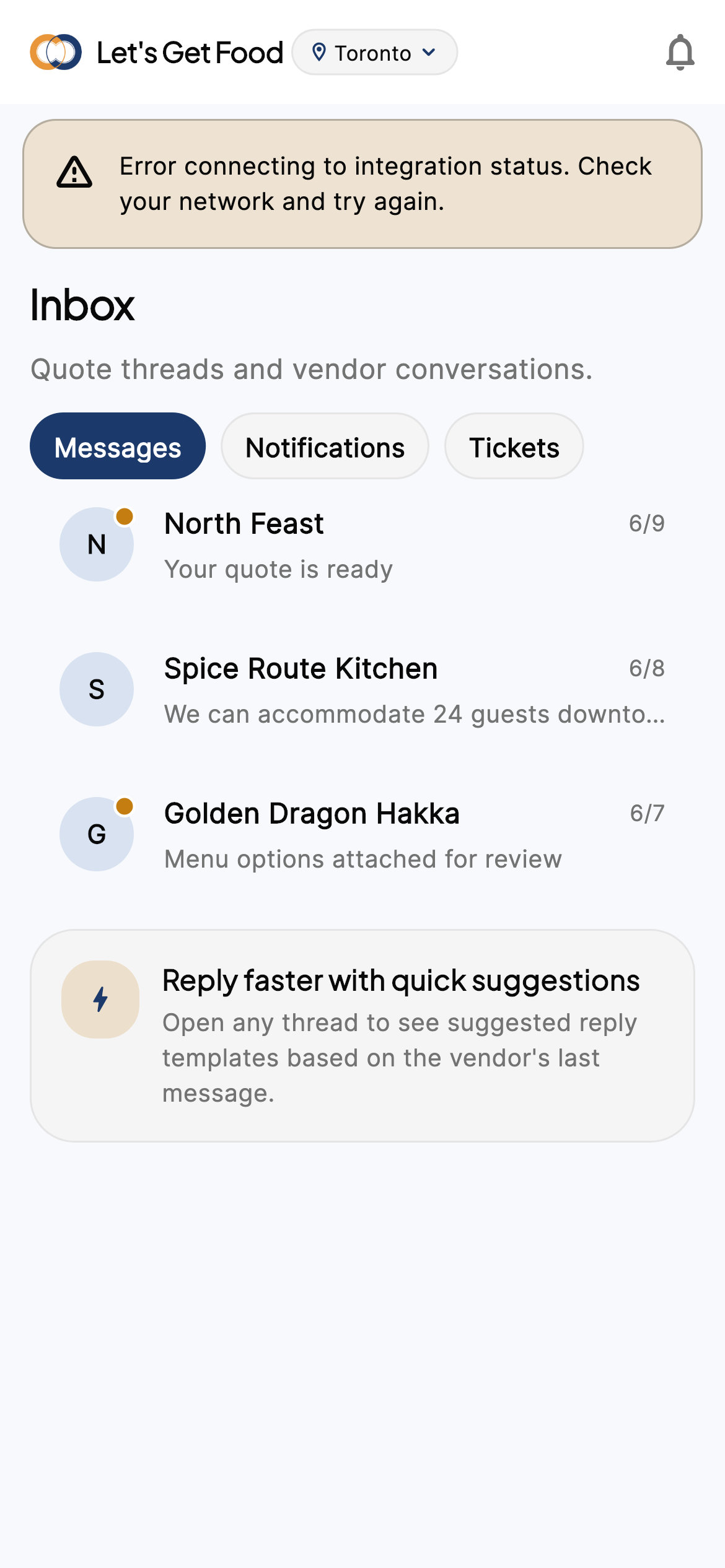
iPhone · Inbox
Saved
Wishlist of vendors, packages, venues — Get estimate from saved items.
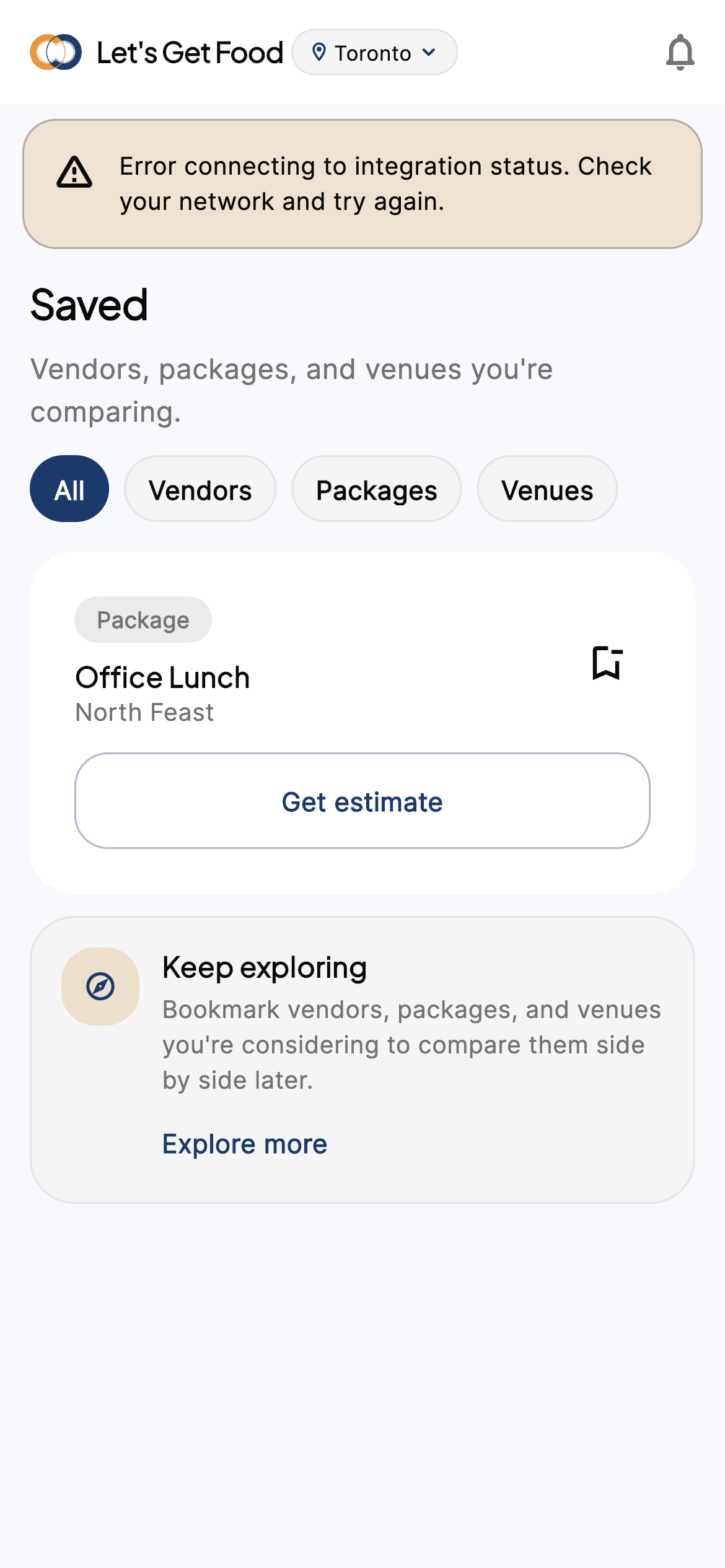
iPhone · Saved
Wallet
Payments, invoices, loyalty, referrals tabs.
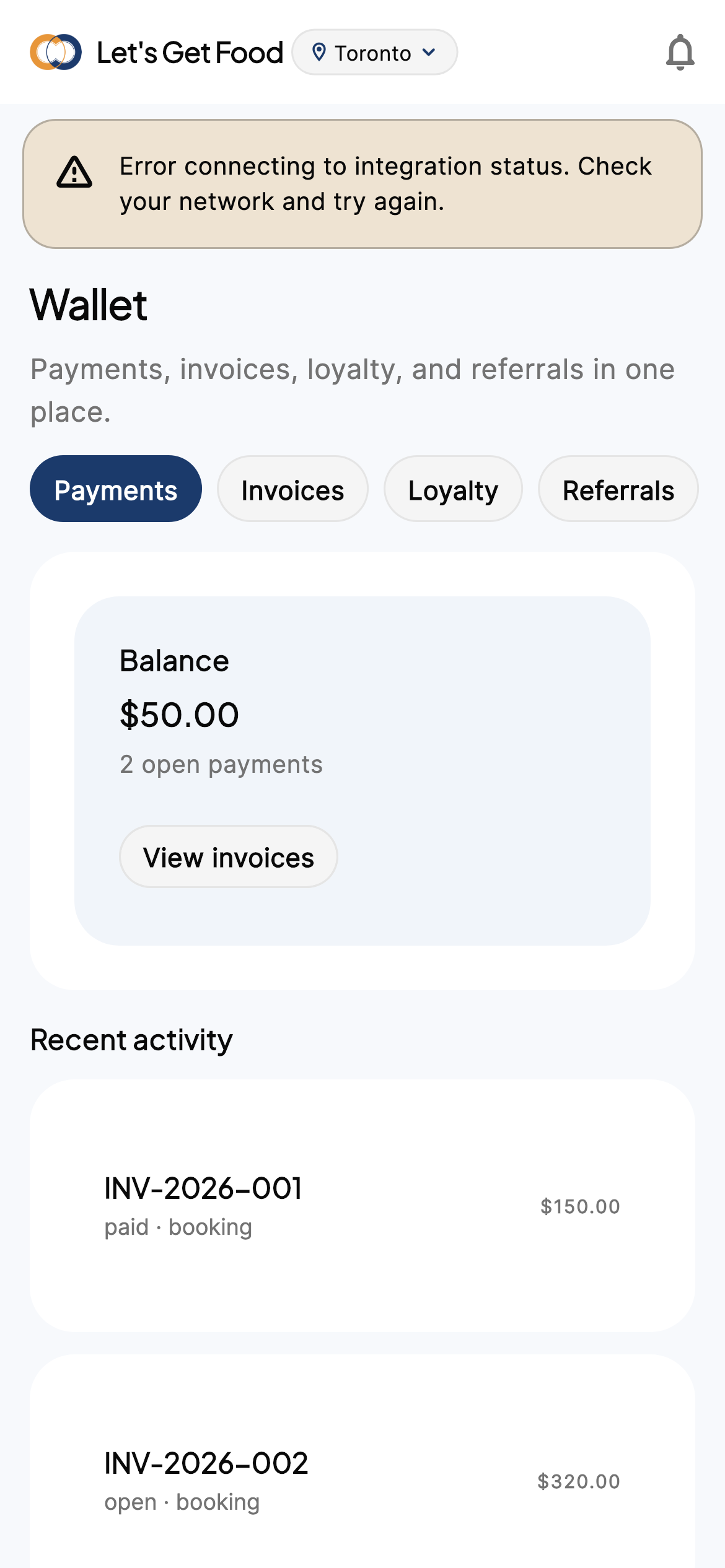
iPhone · Wallet
Profile
Personal details, dietary prefs, notification prefs, legal section, sign out / delete.
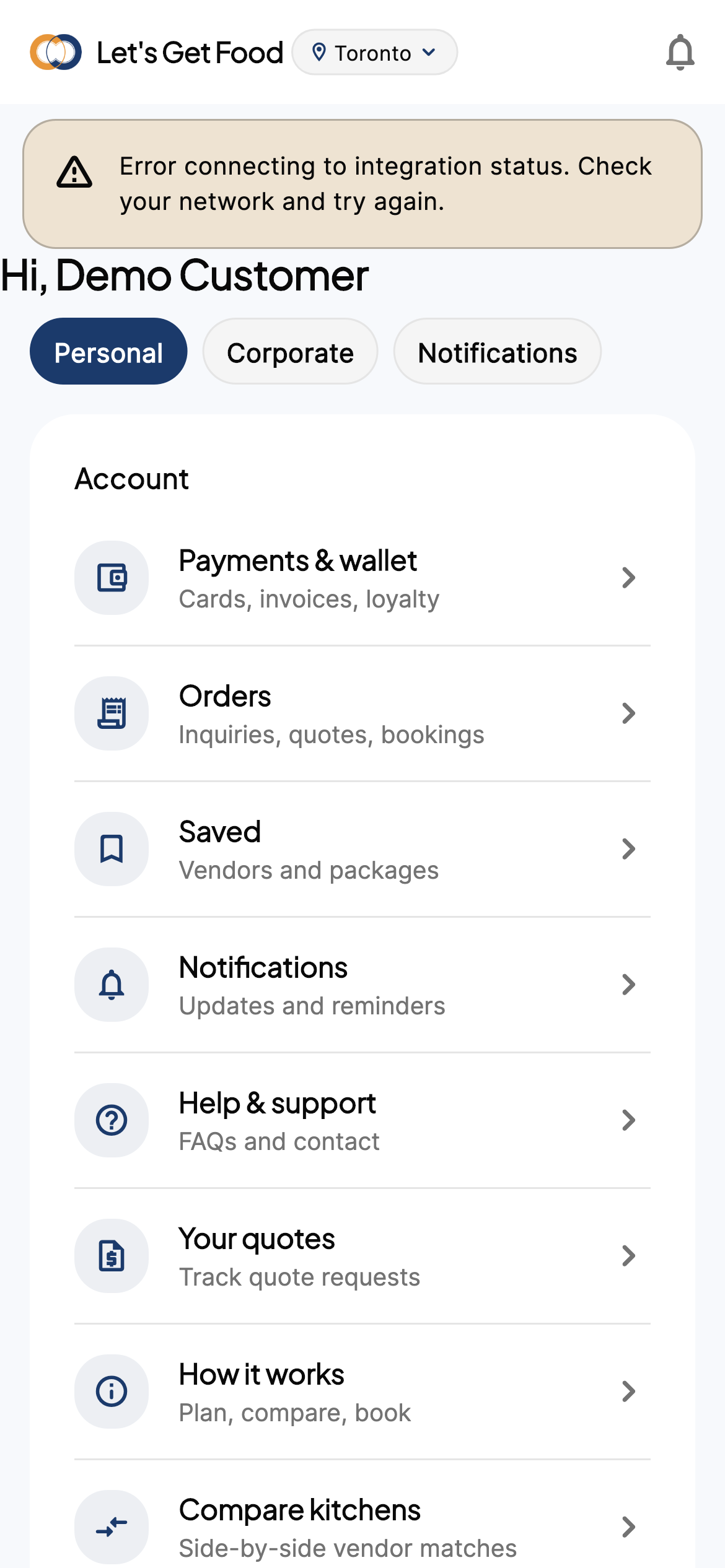
iPhone · Profile
Corporate profile
Company billing entity, approvers, expense codes — for office catering programs.
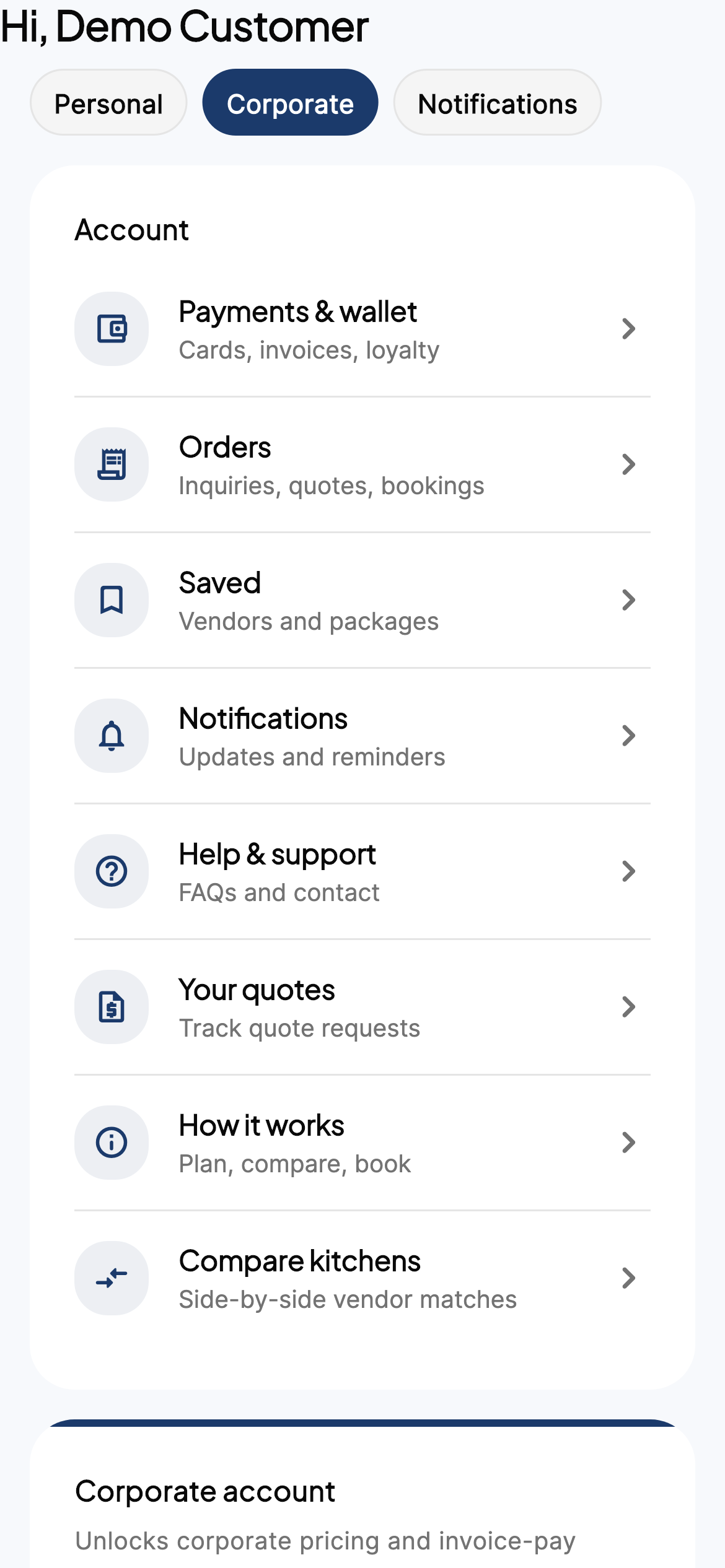
iPhone · Corporate
Post-event review
Stars, tags, photos after the event — feeds merchant reviews inbox.
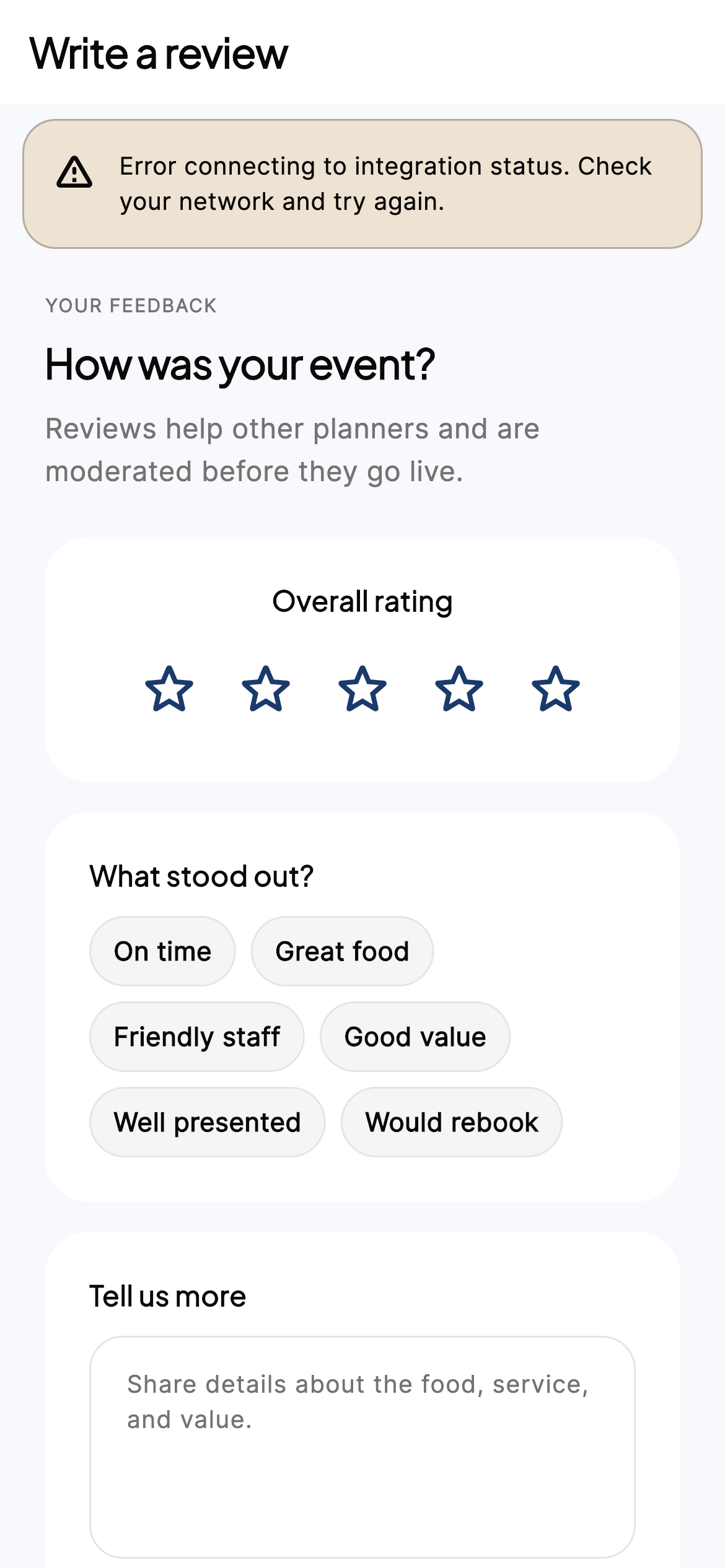
iPhone · Review
Support FAQ
Searchable FAQ + open ticket.
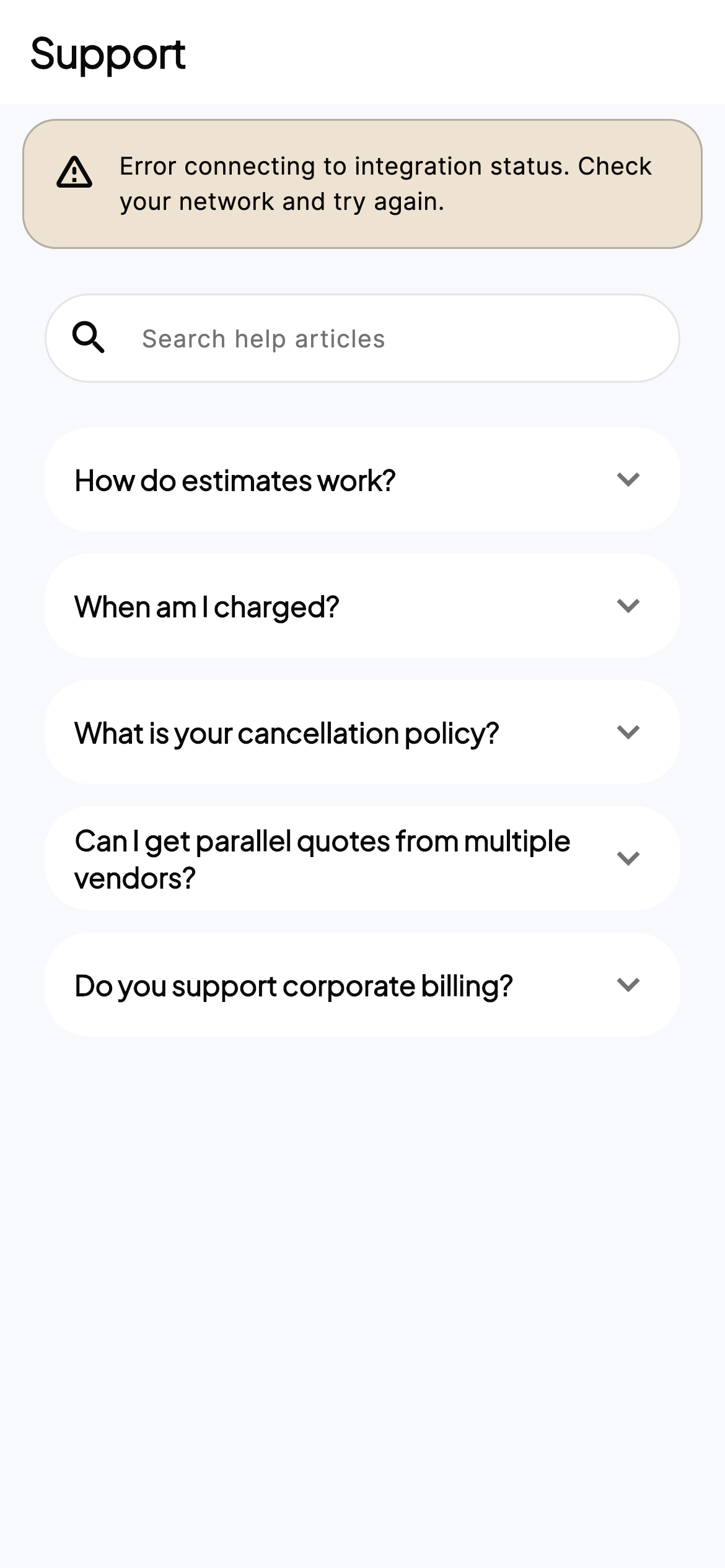
iPhone · Support
Next
See the merchant side — especially Scan menu — on the merchant tour.